> For the complete documentation index, see [llms.txt](https://docs.spacestake.tech/llms.txt). Markdown versions of documentation pages are available by appending `.md` to page URLs; this page is available as [Markdown](https://docs.spacestake.tech/guides/how-to-stake-osmo-with-keplr.md).
# How to Stake OSMO with Keplr
Keplr Wallet: Staking Osmosis Tokens — A Simplified Guide
## **Step 1: Setting Up Your Keplr Wallet Account**
* Visit [Keplr's website](https://www.keplr.app/) to start.
* Download the Keplr wallet extension for Google Chrome, or choose the mobile app for iOS or Android.
* In the Google Chrome extension, open the wallet from the extensions tab and select "Create new account."
* Choose a mnemonic seed (12 or 24 words), note it down safely, then create a username and password.
* Re-enter the Mnemonic Seed to finish setting up your account in Keplr Wallet.
## **Step 2: Depositing OSMO in Your Wallet**
* Access your Keplr account using the password you created.
* Click on "Deposit" button, and search for "OSMO"
* Copy the **OSMO** address from Keplr and paste it into the platform where your **OSMO** tokens are located to transfer them.
Click on this icon to copy the address
* Note that you can start by earning some **OSMO** on [**Final Autoclaim**](https://autofaucet.dutchycorp.space/), that's a free way to get your first staking bag without buying anything.
## **Step 3: Staking Your OSMO Tokens**
* Go to the [**SpaceStake Delegation link**](https://wallet.keplr.app/chains/cosmos-hub?chain=cosmoshub-4\&modal=validator\&validator_address=cosmosvaloper1x8yjkhrffte4850tzdtfuq6nhs5vf950l86uea), this will redirect you to the Keplr website.
* Click on the "Stake" button.
* Enter the amount of **OSMO** you wish to stake and click “Stake” again.
* Confirm the transaction on Keplr by clicking on "Approve." button
* Your staking status and rewards can now be monitored.
## **Step 4: Automatically Restake Your OSMO staking rewards**
**Our validator is compatible with the automatic restaking system via REStake (**[**restake.app**](https://restake.spacestake.tech/osmosis/)**).**
**By enabling restaking, all your OSMO rewards from staking will be automatically delegated to your staking balance once you reach the minimum required reward (0.5 OSMO).**
REStake only re-delegates SpaceStake's accrued rewards and tries not to touch your balance.
**How to enable Restaking:**
* Go to the [SpaceStake Restaking link](https://restake.spacestake.tech/osmosis/osmovaloper1rcv35vylf4x5jhtx20y4p9d6ywtc7cuqayxhuh), this will redirect you to the reskake.app page.
* Click the "Enable REStake" button.
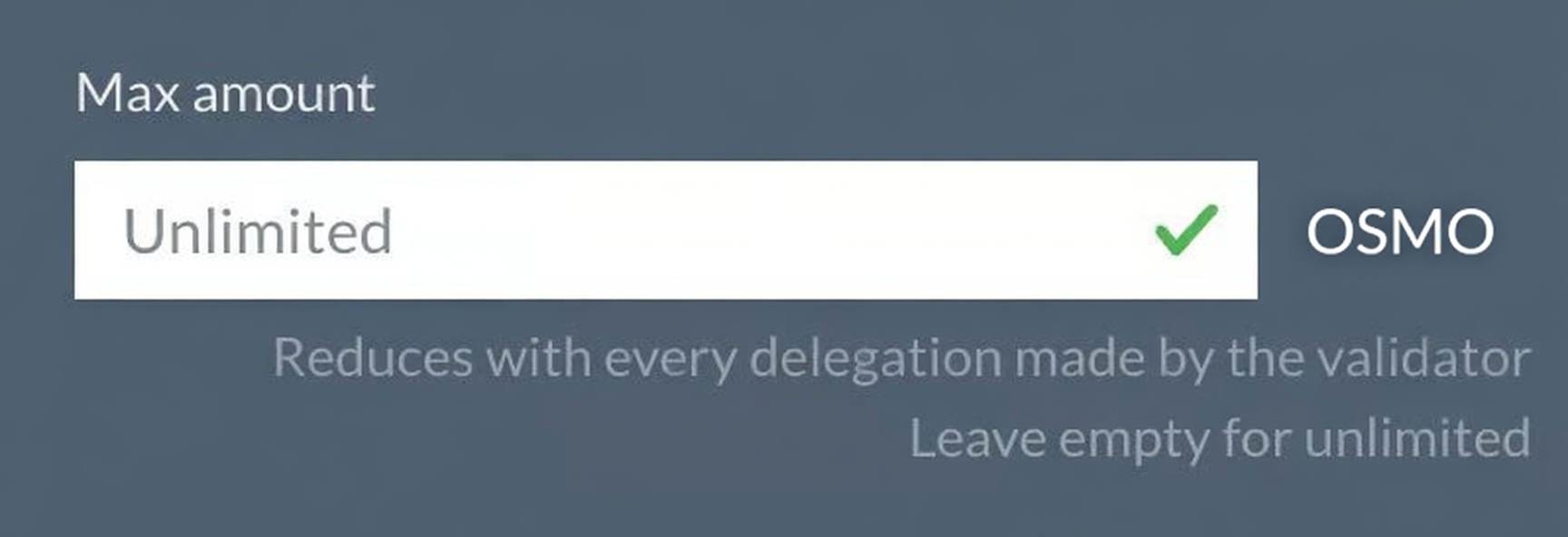
* Choose the maximum amount that you allow us to delegate for you; **you can keep it to unlimited**.
* **Set the expiry date**; after this date, the system will not be able to automatically delegate your rewards anymore.
* Click the "Enable REStake" button, and sign the transaction on your wallet.
At this step, you must see your grant status as "Active"; that means you successfully enabled restaking. Congratulations!
Every 4 hours, we will check if your staking rewards are higher than 0.5 **OSMO**; if yes, your rewards will be automatically re-delegated, so you will earn more.
## **Validator Information and Support**
* SpaceStake validator address: `osmovaloper1rcv35vylf4x5jhtx20y4p9d6ywtc7cuqayxhuh`
* Monitor the validator status on the [**Explorer page**](https://explorer.spacestake.tech/osmosis/staking/osmovaloper1rcv35vylf4x5jhtx20y4p9d6ywtc7cuqayxhuh).
* For questions or assistance, you can **contact us at **